Getting Started in My Bunker
Claim a six-player plot, open the first conveyor crate, place a bunker, and hire a guard.
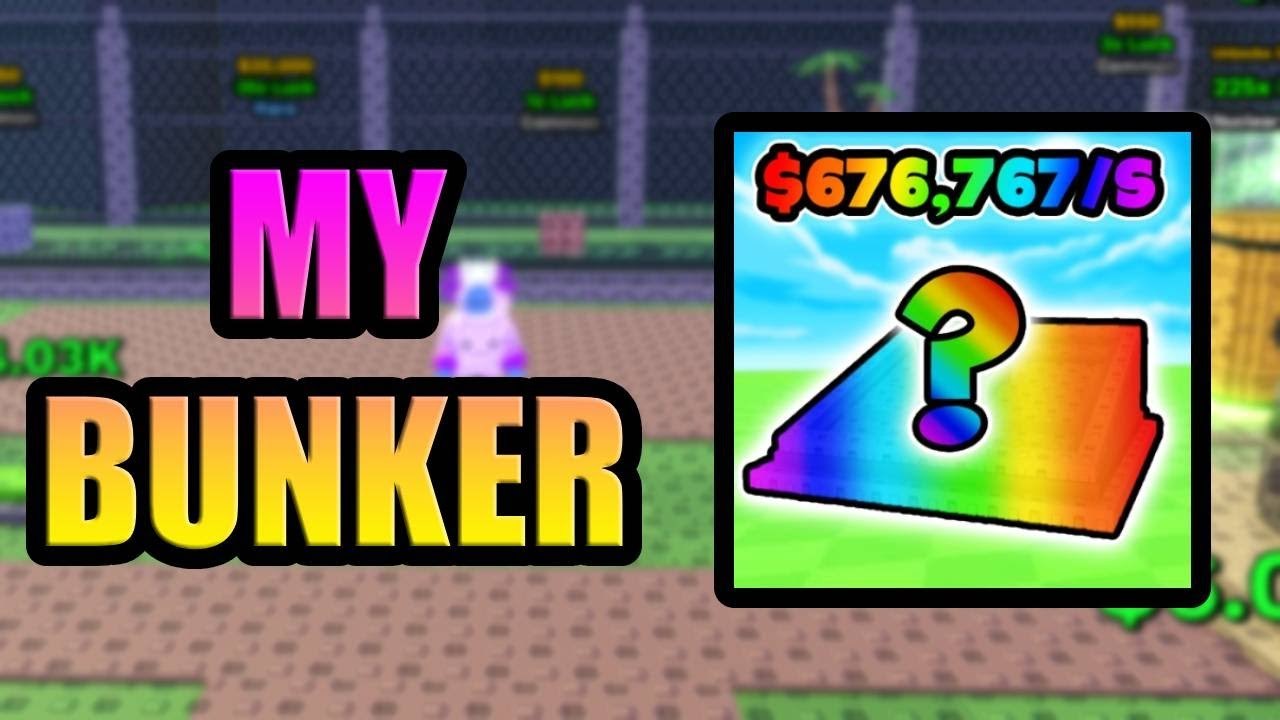
My Bunker is a six-player Roblox simulation tycoon by Yeet Pizza Productions, live since 4 August 2025 and inspired by My Market. Your first hour is not a combat tutorial. You claim a plot, spend cash on a crate that rides a conveyor, place the bunker that comes out, hire a guard, and put leftover money into crate spawn rate or extra crate slots. Everything else on this wiki hangs off that loop.
This page is the onboarding walkthrough. For the full cycle including HUD, shop, and the side-item toggle, continue on How to Play. For crate types and named models, use How to Get Bunkers.
Join and claim a plot
Open the live Roblox place and wait for a server with a free plot. Servers cap at six players, so you will see other tycoons nearby. Walk your avatar onto an unclaimed pad instead of wandering the map looking for a hidden quest giver. There is no long story intro. The conveyor, the shop, and the empty bunker pads are the tutorial.
If the HUD feels crowded, remember the later quality-of-life toggle that shows or hides the items stacked on the side of the screen. You do not need that toggle to finish the first crate. You only need to see cash, the conveyor price, and an empty pad.
Buy the first conveyor crate
The conveyor is the front of the economy. Cash you spawn with is for a crate, not for sightseeing. Stand at the belt, buy the affordable crate, and wait for it to arrive. Day 6 of development added placement effects and sound when crates and bunkers go down, so a successful buy is obvious.
Do not save the entire starting stack for the armored crate. In a recorded opening session the player wished they had 750,000 or even 350,000 before touching armor, which is another way of saying that box sits far above a new plot. An island crate showed up in that same session as a later save goal. Early crates exist to put any bunker on a pad so cash starts ticking.
Place the bunker, then hire a guard
When the crate opens, pick the bunker and drop it on an empty pad. Nature appeared as an early placement in the recorded session. Trapdoor and a golden bank vault also dropped later in that run. Prison and Lockdown came after more cash. None of those names are required for the first pad. A cheap bunker that is actually placed beats a rare name sitting in inventory.
Hire a guard as soon as the bunker is down. The game listing puts “Guard Bunkers” next to “Generate money” for a reason. Gameplay footage parked a peasant on one bunker and a prisoner on another so those pads kept working. Skip the guard and you have a building that is not fully online on a six-player plot. Details live on guards and protection.
First upgrades, not first cosmetics
After the pad is guarded, spend the next cash on economy upgrades. Recorded play called out crate spawn rate and extra crate slots. Those two levers mean more belts, more opens, more bunkers. Cosmetic shop noise, including the Halloween shop GUI that later needed a fix, can wait.
Robux options exist on the plot, but the cash loop is the game. If you pay real money, still place and guard whatever you bought. A paid crate that never hits a pad is the same waste as an armored crate you cannot afford.
What a first session is not
There are no confirmed promo codes. Do not stall the conveyor looking for a redeem box that this wiki has not verified. There is no official Trello. Scripts advertised for “Build a Bunker!” belong to a different Roblox game; if you open the scripts hub, read the warning before you install anything.
Do not fuse yet. The machine is real, and the confirmed recipes are Space into Black Hole, Steampunk with B, and a Rogue robot into Lockdown Ultimate, but fusing your only earner on hour one is how a new plot goes quiet. Park that for How to Fuse Bunkers after you own duplicates or a named part you can spare.
Do not treat Lockdown’s recorded $200 per second as a starter benchmark. That number showed up after the plot already had several bunkers down. Your first pads will print much less. Compare names later on the bunker tier list.
First-hour checklist
- Join a six-player server and claim a free plot.
- Buy a cheap conveyor crate and place the bunker.
- Hire a guard for that pad.
- Put the next cash into crate spawn rate or extra slots.
- Leave when pads are filled and guarded so offline earnings can tick.
If you still have time in the session, skim updates so you know the Halloween shop GUI and the side-item toggle exist, then glance at the income planner before you start hoarding for armor. The Guides Hub lists every walkthrough in this set. Come back to this page only when you are teaching a friend the same first crate.
Frequently Asked Questions
Quick answers for bunker owners, crate buyers, and AFK farmers.
What is the first thing to buy in My Bunker?
A conveyor crate you can afford. Place the bunker, hire a guard, then spend on crate spawn rate or extra slots. The armored crate is a later save, not a starter purchase.
Do I need a promo code before I start?
No. This wiki has no confirmed codes. Play the cash loop. Check the Yeet Pizza Productions group if you want tester shouts, not a starter gift.
When should I use the fuse machine?
After you have a spare part. Confirmed recipes are on How to Fuse Bunkers. Do not feed the machine your only earning pad.
Is Lockdown a realistic first bunker?
Not as a plan. A recorded session showed Lockdown at about $200 per second after the plot was already rolling. Early pads are whatever the cheap crates give you.
Will the plot still earn if I log out after the first hour?
Yes, if bunkers are placed and guarded. Read offline earnings before you leave, and save artifact hunting for Artifacts and Index.