Controls and HUD in My Bunker
Move, click the conveyor, place, guard, claim, and hide the side clutter when it covers a button.
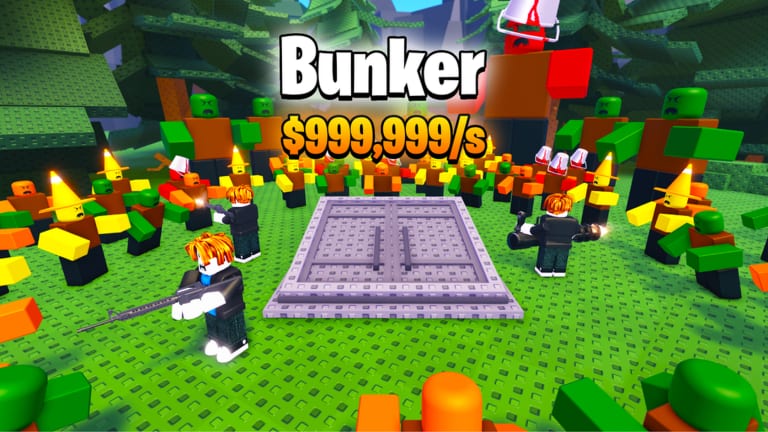
My Bunker does not ship a custom keybind overlay. It uses the normal Roblox camera plus clicks on a six-player plot: conveyor, pads, guards, fuse machine, shop, index, and the offline claim window. This page is the control map so a new owner can finish Getting Started without guessing which prompt is the belt. It is not a combat hotkey list. There is no dash attack and no nuke countdown.
Yeet Pizza Productions launched the experience on 4 August 2025. The live description still talks about a quality-of-life toggle that shows or hides items stacked on the side of the screen. That toggle is a control. If you skip it, the Halloween shop and the conveyor can sit under event art, which is why this page sits next to How to Play instead of inside a PvP guide.
Keyboard and mouse
Move with WASD or the arrow keys. Look by dragging the right mouse button, same as most Roblox places. Jump with space if a pad lip gets in the way; you do not need parkour to buy a crate.
Left click is the entire tycoon:
- Click a crate on the conveyor to buy it when you have the cash.
- Click an empty pad to place the bunker you just opened.
- Click a guard prompt after the bunker is down. Recorded sessions put units such as a peasant or a prisoner onto pads so those pads kept paying.
- Click cash popups and the offline claim window when you rejoin. Offline earnings is the payout page; this page is only the click.
- Click the fuse machine only when you already own a confirmed pair. Recipes stay on How to Fuse Bunkers.
- Click the shop and upgrades buttons for crate spawn rate and extra slots before you stare at an armored crate.
Shift sprint is the usual Roblox sprint. It does not raise dollars per second. Use it to reach the belt, not to farm.
Touch and small screens
On a phone the same loop is taps. The joystick moves the avatar. A tap on the conveyor buys. A tap on a pad places. The side-item stack is louder on a narrow screen, which is why the QOL notes exist. Turn the side items off when you cannot see a pad, a sell confirm, or the Halloween shop button. Turn them back on if you still need the event tile and have not learned where it lives.
Comment threads under the developer shorts already called mobile awkward before launch. That is not a unique control scheme. It is a reason to hide clutter, then play the same click loop as PC.
HUD reading order
Read cash first. If a crate slot is empty and you can afford a cheap box, the belt is the next click. Read pads second. An empty pad is wasted space on a six-player server. Read guards third. A bunker without a unit is the weak pad; see guards and protection. Read side items last. They are shortcuts and event art, not income.
The index is a catalog, not a second movement mode. Open it when you need a mutation icon such as Rainy or when you are about to sell a duplicate. Day 9 of the shorts finished the index with an icon that depends on the mutation you rolled. If the index is covered, toggle the side stack before you guess.
The offline claim window is a control too. Gameplay thumbnails show a YOU EARNED panel with Claim and sometimes Double. Claim first. Doubling, if it is a Robux upsell, is optional. The simulation still wants the bunker placed and guarded. Paying does not move WASD.
What is not a control
There is no documented emote that prints cash. There is no admin panel for regular players. There is no Trello of keybinds. There are no confirmed promo codes that remap buttons. A script from “Build a Bunker!” will fire the wrong remotes; the scripts hub is the warning, not a keybind pack.
Camera collision on a crowded plot is a layout problem. Sell extras, then walk. Day 12 added a selling UI so the belt stays clickable. If you still cannot click after a tidy, you are in HUD clutter, not in a missing hotkey.
A first-minute checklist
- Spawn, look for an empty plot, walk to the conveyor.
- Buy one cheap crate. Place it. Hire a guard.
- Toggle side items off if the next pad is hidden.
- Collect cash. Buy spawn rate or a slot if the belt is the bottleneck.
- Log out only after pads are filled, as offline earnings describes.
That is the whole control set. The Guides Hub sends you back to crates, fuse, and artifacts when the clicks feel automatic and you need ranks instead of buttons. Play on six-player servers. You do not need a clan keybind. You need a clear conveyor and a guard on the pad you just placed.
Frequently Asked Questions
Quick answers for bunker owners, crate buyers, and AFK farmers.
What are the My Bunker controls?
Standard Roblox movement plus left click or tap to buy crates, place bunkers, hire guards, fuse, and claim cash. There is no custom combat keymap.
How do I hide the items on the side of the screen?
Use the QOL toggle described on the live Roblox page and on the QOL notes. It does not stop income.
Does sprint or jump make more money?
No. Cash comes from placed bunkers and offline earnings. Sprint only gets you to the conveyor faster.
Why can I not click the shop or the belt?
Side-item clutter, a broken Halloween GUI, or unsold models on the path. Toggle HUD items, then sell duplicates, then retry the shop.