How to Play My Bunker
Cash, crate, bunker, guard, upgrade, fuse — then read the HUD and shop without clutter.
Playing My Bunker is a short loop you repeat on a six-player Roblox plot. Cash buys a crate on the conveyor. The crate becomes a bunker. The bunker needs a guard. Extra cash buys spawn upgrades. Only then do you walk a spare model to the fuse machine. That is the whole tycoon. It is inspired by My Market, not by a wave-defense or nuke-survival game.
If you have not placed a first bunker yet, use Getting Started first. This page assumes you already know the conveyor exists and want the loop, the HUD, the shop, and the quality-of-life toggle explained as a session rhythm.
The loop in order
Cash. Bunkers print money while you stand on the plot and while you are logged out. Collect what is waiting, then decide the next buy. Do not leave a large pile sitting unused if a crate slot is empty.
Crate. Walk to the conveyor. Cheap boxes keep the belt moving. The armored crate is a later flex; a recorded session had the player short even at 350,000 and 750,000. Island crates showed up as a save-up target in that same recording. Day 6 of development added stronger crates aimed at mythic odds. Rank boxes on the crate tier list instead of opening every color.
Bunker. Place what you opened on an empty pad. Confirmed names include Lockdown, Prison, Nature, Space, Black Hole, Steampunk, B, Lockdown Ultimate, Electric, Graveyard, Vault, plus the Day 14 set (Jungle Temple, Basketball, TV, Club, Cyber) and the eight Halloween shells listed on the Halloween shop page. Rainy is a mutation that can sit on a bunker, not a separate building. How those names drop is covered on How to Get Bunkers.
Guard. Hire as soon as the pad is occupied. Gameplay put a peasant and a prisoner onto bunkers so those pads stayed live. A six-player server means other plots sit close; an unguarded bunker is the weak pad. See guards and protection.
Upgrade. Spend on crate spawn rate and extra crate slots before you shop for looks. Those two upgrades were called out in recorded play as the difference from a plain vending clone. More slots mean more opens per minute. Faster spawn means less staring at an empty belt.
Fuse. Last. Confirmed recipes only: Space into Black Hole, Steampunk with B, and a Rogue robot into Lockdown Ultimate. Details and what we refuse to invent sit on How to Fuse Bunkers.
HUD, side-item toggle, and shop
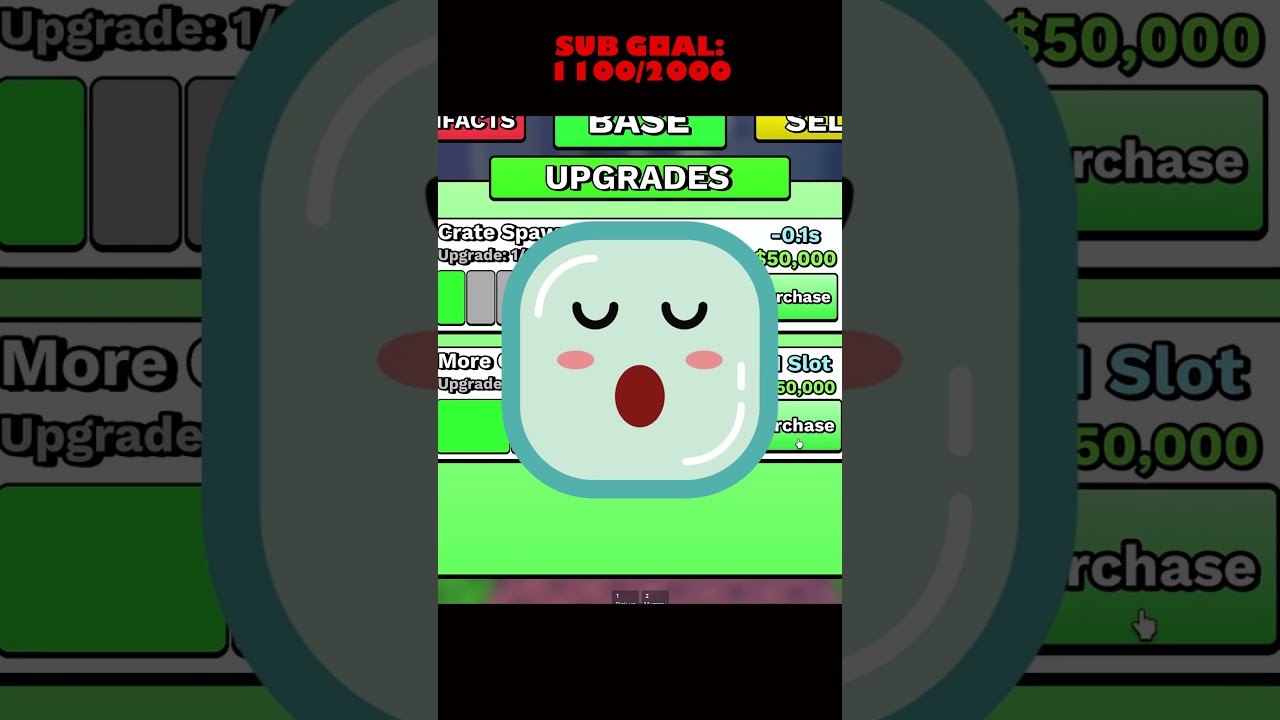
The HUD is cash, crate prices, and the clutter of items that collect on the side of the screen. A quality-of-life update added a toggle to show or hide those side items. Use it when you cannot see a pad or a conveyor button. It does not stop income. It does not hide the Halloween shop. It only clears the overlay so you can click the loop.
The shop is separate from the conveyor. Conveyor crates are the random bunker source. The shop is where you spend on upgrades, event goods, and anything the Halloween GUI still lists. The dedicated spend order is shop and upgrades. The click map is controls. Duplicate models that block those clicks belong on How to Sell. That Halloween shop GUI needed a bug fix in a later patch; if a button looks dead, check QOL notes and the updates hub before you assume the event is gone.
Robux purchases can appear next to cash prices. They are optional. The simulation still wants a placed bunker and a hired guard. Paying does not skip the pad.
Reading the plot during a session
Look at pads first, belt second, shop third. Empty pads are wasted space. An idle belt with cash in the pocket is a missed crate. A full plot with cash leftover is when you either save toward armor, buy an artifact, or walk to the fuse machine with a spare part.
The index is the catalog, not a second HUD. Open it when you want mutation icons and owned models. Rainy showed up as an epic on a Prison bunker in a recorded session; the index is how you confirm that kind of tag later. Artifact stats that change money multi, offline rewards, and offline time are explained on Artifacts and Index.
Other players on the six-person server are neighbors, not a raid boss. You still hire guards. You still place bunkers on your pads. You do not need a clan to finish the loop. The players hub and the group page are for Yeet Pizza Productions roles and tester shouts, not for a mandatory party finder.
Session rhythm that actually pays
A clean session is thirty to sixty minutes of the loop, then a planned logout. Fill pads. Guard them. Spend leftover cash on spawn upgrades or a crate you can finish. Then leave so offline earnings tick. Artifacts that stretch the timer belong on that logout, not in the first five minutes.
Skip the codes list until a real code exists. Skip scripts that belong to “Build a Bunker!”. If you want a number check before the next crate, open the income planner and the bunker tier list. Come back to this how-to when the HUD gets noisy or when you catch yourself shopping before the belt is fed.
The Guides Hub keeps this page next to fuse, guards, and artifacts so you can jump without rereading the first crate. Play the loop in order. Break the order only when a pad is already guarded and you have a spare model the fuse machine actually wants.
Frequently Asked Questions
Quick answers for bunker owners, crate buyers, and AFK farmers.
What is the core loop in My Bunker?
Cash buys a conveyor crate, the crate becomes a bunker, the bunker gets a guard, extra cash buys spawn upgrades, and only spare models go to the fuse machine.
What does the side-item toggle do?
A quality-of-life update lets you show or hide items stacked on the side of the screen. It clears HUD clutter. It does not stop offline cash or hide the shop.
Is the Halloween shop the same as the conveyor?
No. The conveyor sells crates that roll bunkers. The Halloween shop is a separate GUI that later needed a fix. Patch context is on QOL updates.
Do I play with friends on the same plot?
Servers hold six players on separate plots. You can share a server with friends, but each tycoon still places its own bunkers. Group roles are on the Yeet Pizza Productions page.
Where should I go after the loop feels automatic?
Rank models on the tier list, plan spends with the income planner, then read offline earnings before you log out.